 Humelodica
How can I make a song without an instrument or music theory?
Hum the tune in your head into Humelodica. It turns your hum into notes and builds a song around them, so you don’t need an instrument or any music theory.
1Get the tune out of your head
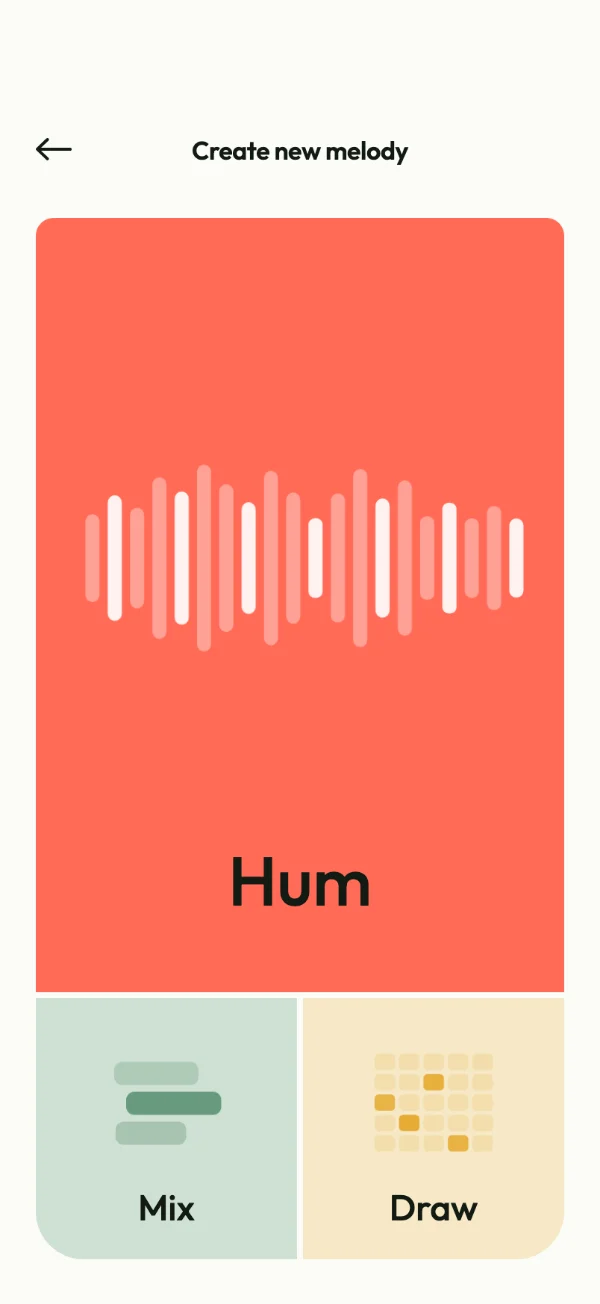
Hum a tune, or mix your own, then turn it into a song. On Create new melody, tap Hum to hum it, Mix to choose a theme, voice, pace and motion and get a melody written for you, or Draw to tap notes onto a grid.
2Let Humelodica handle the theory
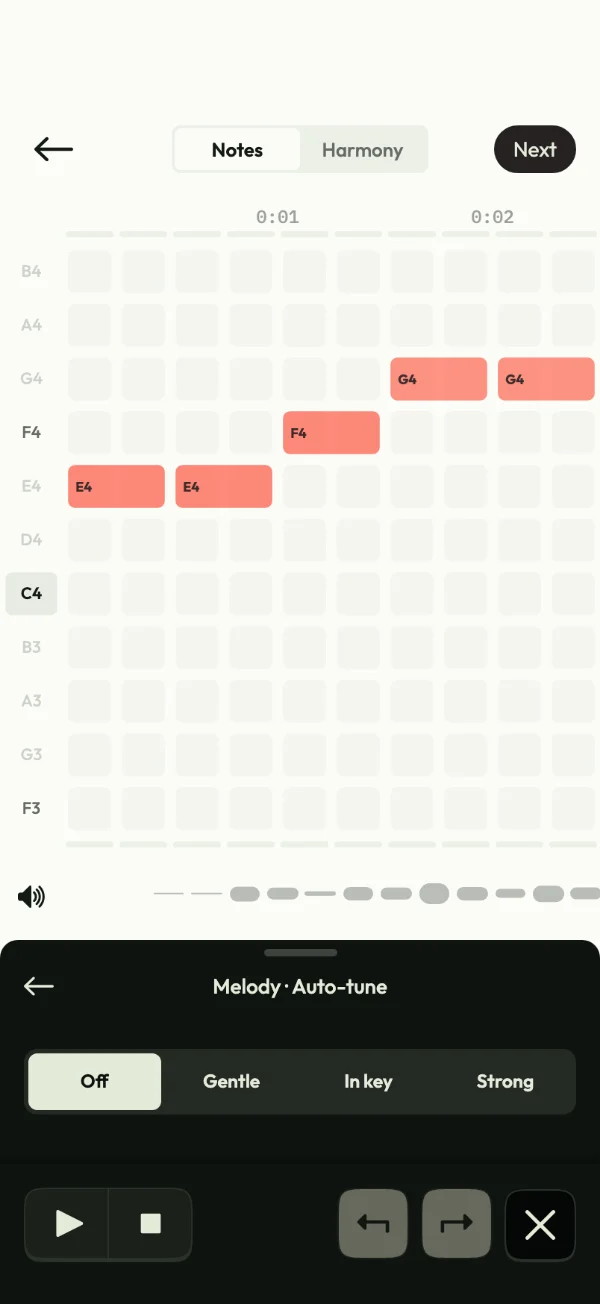
Humelodica works out your tune’s key and tempo for you. Optional: Improve puts your notes in key and on the beat. On your notes, that’s Auto-tune set to In key and Rhythm set to On beat.
3Pick a genre
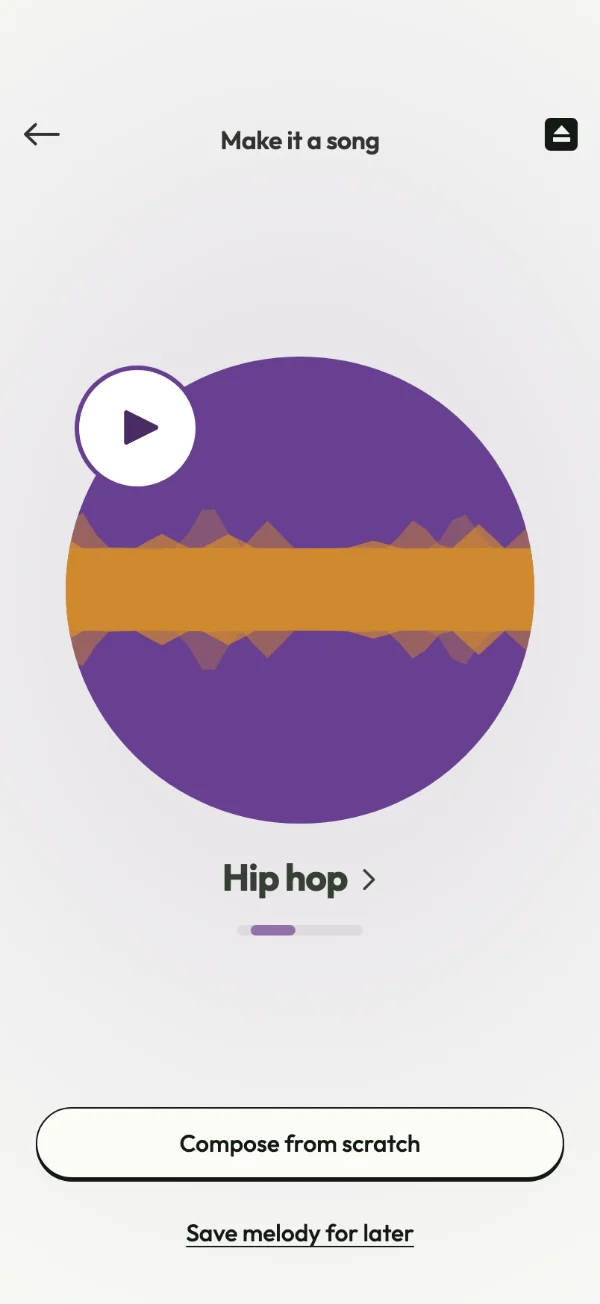
Swipe to hear it in each genre, then tap your favourite. There are 18, from Rock and Jazz to Lo-fi and 8-bit.
4Shape it in plain words
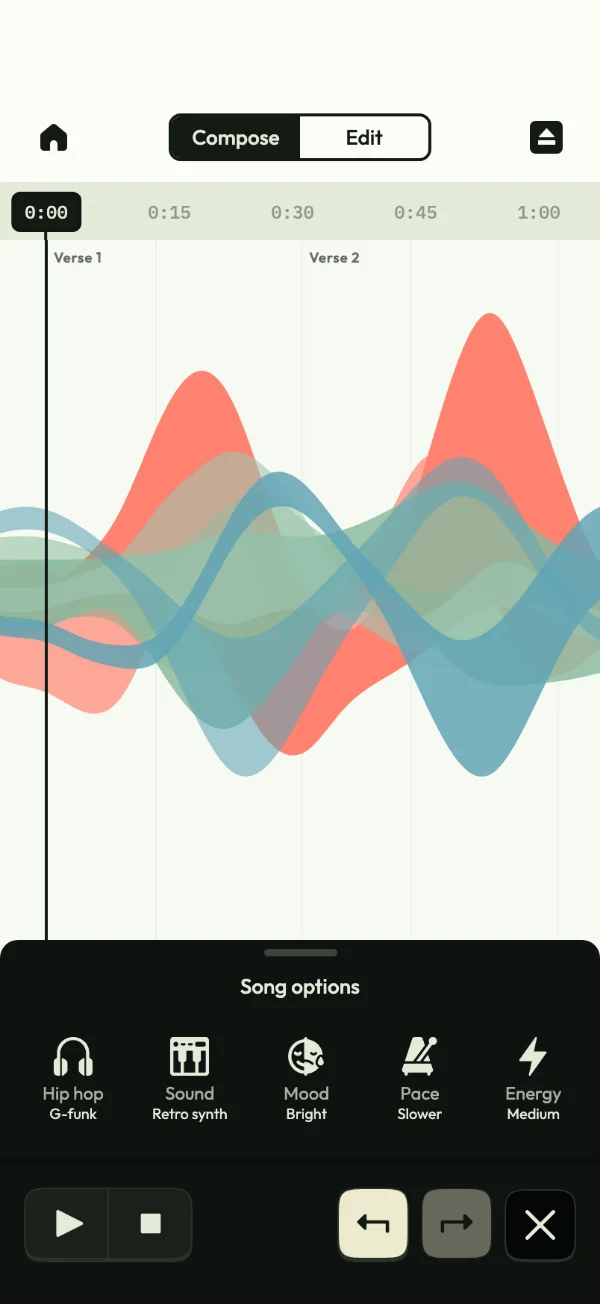
Tap Song options (bottom right) on your song. Everything there is in plain words, not music terms: Mood (Dark, Moody, Warm, Bright), Energy (Gentle, Medium, Lively, Full-on), Pace (Slower, As sung, Faster, Fastest) and Length in minutes.
5Make it yours
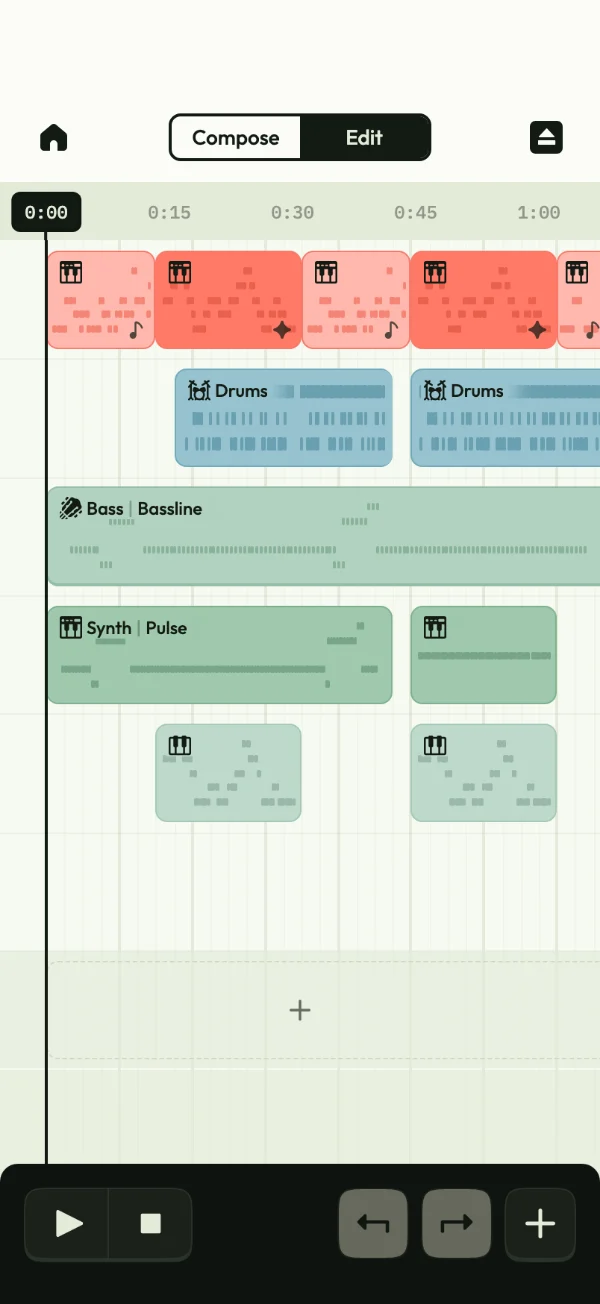
Move, edit and add to your canvas to make it your own. Tap Edit to see your melody on the top row and the band’s tracks under it.
Good to know
- No AI. Every note starts with you.
- Do I own the music I make? Yes. Release it, sell it, use it anywhere.