 Humelodica
How do I share my song as an MP3?
Open your song, tap Share at the top right, then MP3. Share it to Instagram, WhatsApp or Messages — or save the MP3.
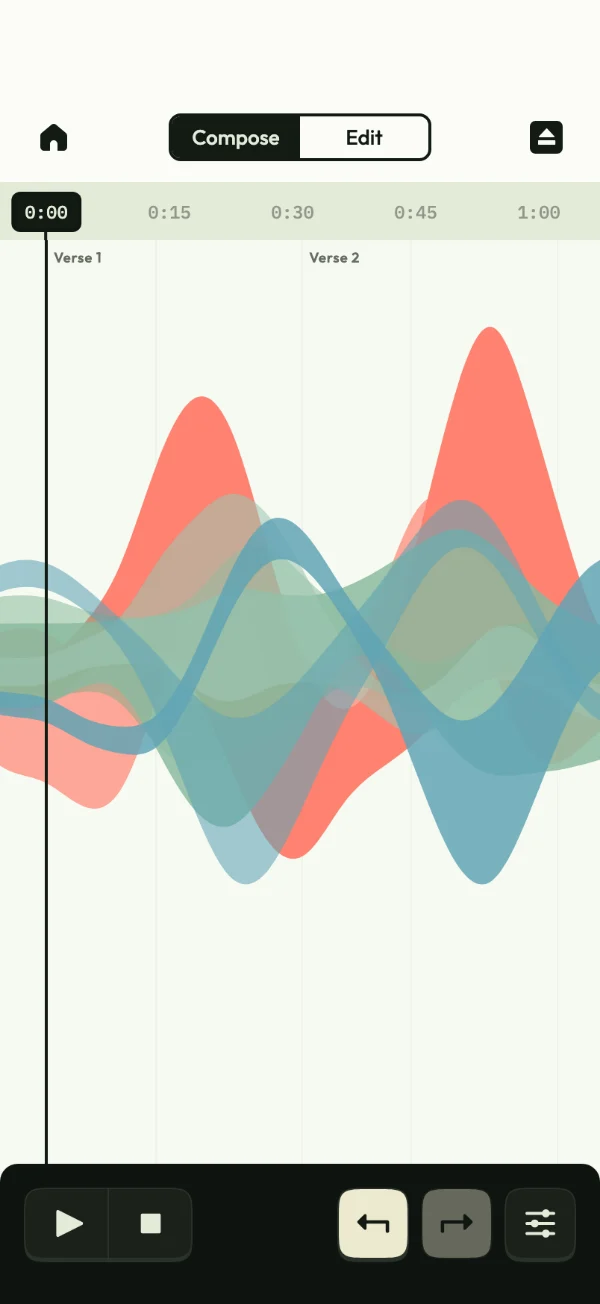
1Tap Share
On Your Studio, tap the pencil beside your song to open it. Tap Share at the top right.
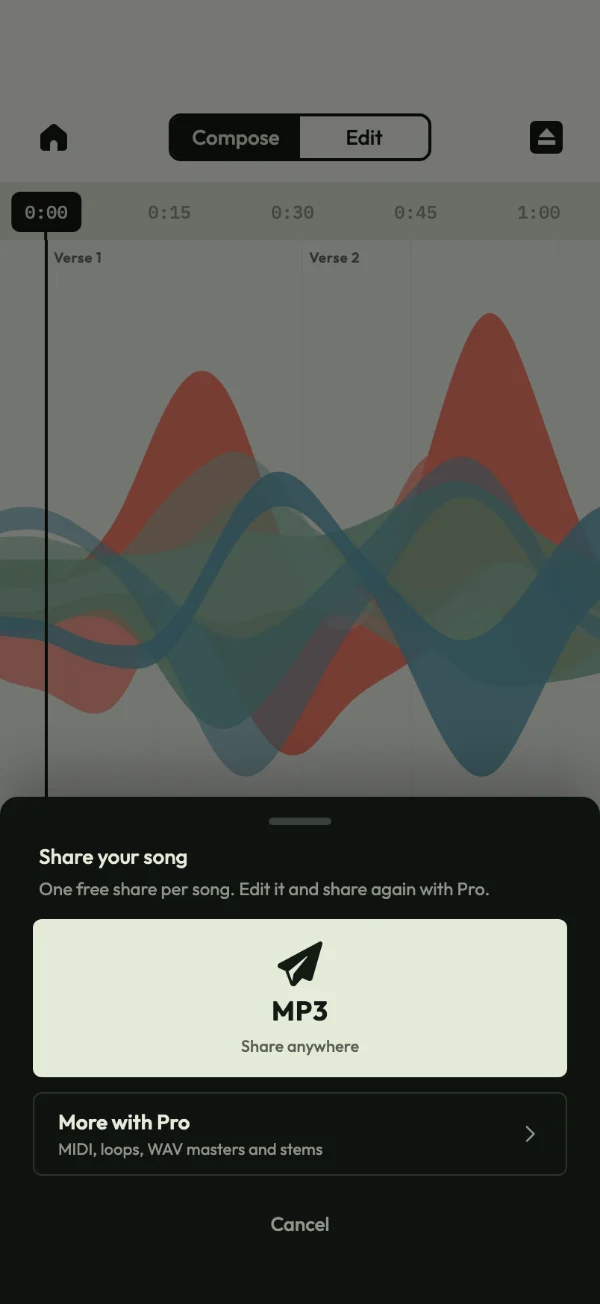
2Tap MP3
Share your song opens. Tap MP3. Humelodica mixes your song down from the real instruments; keep the app open while it does.
3Send it, or save it
Your device’s share sheet opens with the MP3. Share it to Instagram, WhatsApp or Messages — or save the MP3.
On a free account
- One free share per song. Edit it and share again with Pro.
- Sharing the same version again is free.
- On the free plan, an MP3’s artist field says “Made with Humelodica”. With Pro, your artist name goes there instead (set it on Profile).
- Making music is always free. A free account makes 5 songs, and each one shares once as an MP3.
With Pro
Pro shares as often as you like, and the same Share sheet also has WAV, Stems, MIDI and Loop: how to turn a hum into MIDI.