 Humelodica
How do I turn a tune I hum into a song?
In Humelodica, tap Hum, hum your tune, then tap Next. Swipe to hear it in each genre, then tap your favourite. Humelodica builds a whole song around your melody.
1Start a new song
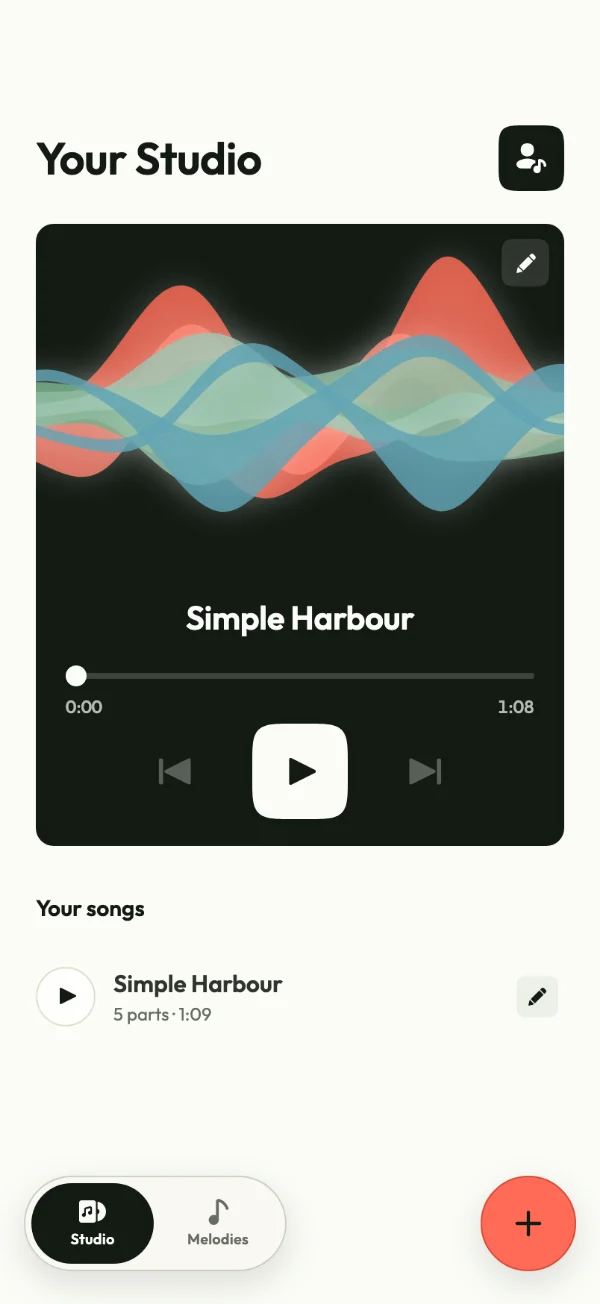
The first time you open Humelodica, tap Get started and it walks you through these steps. After that, tap + at the bottom right of Your Studio.
2Tap Hum
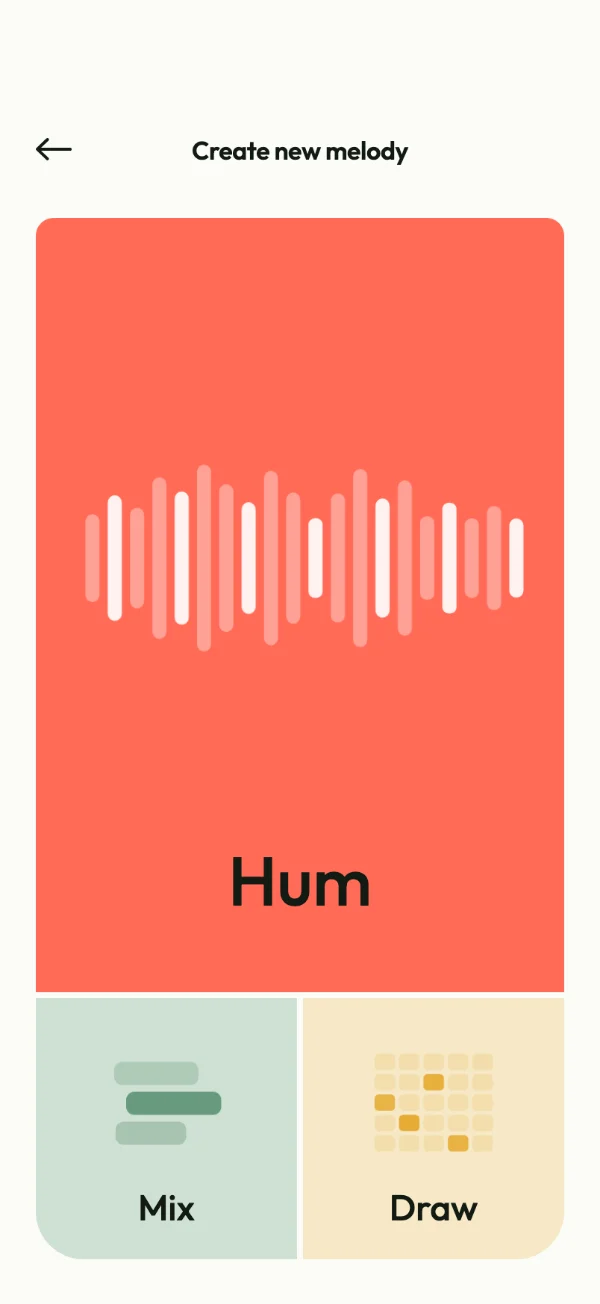
On Create new melody, tap Hum.
3Hum your tune
Find a quiet spot, tap the mic and hum anything. Humelodica listens only while you record. Keep going as long as you like. Tap stop when you’re done.

4Check your notes
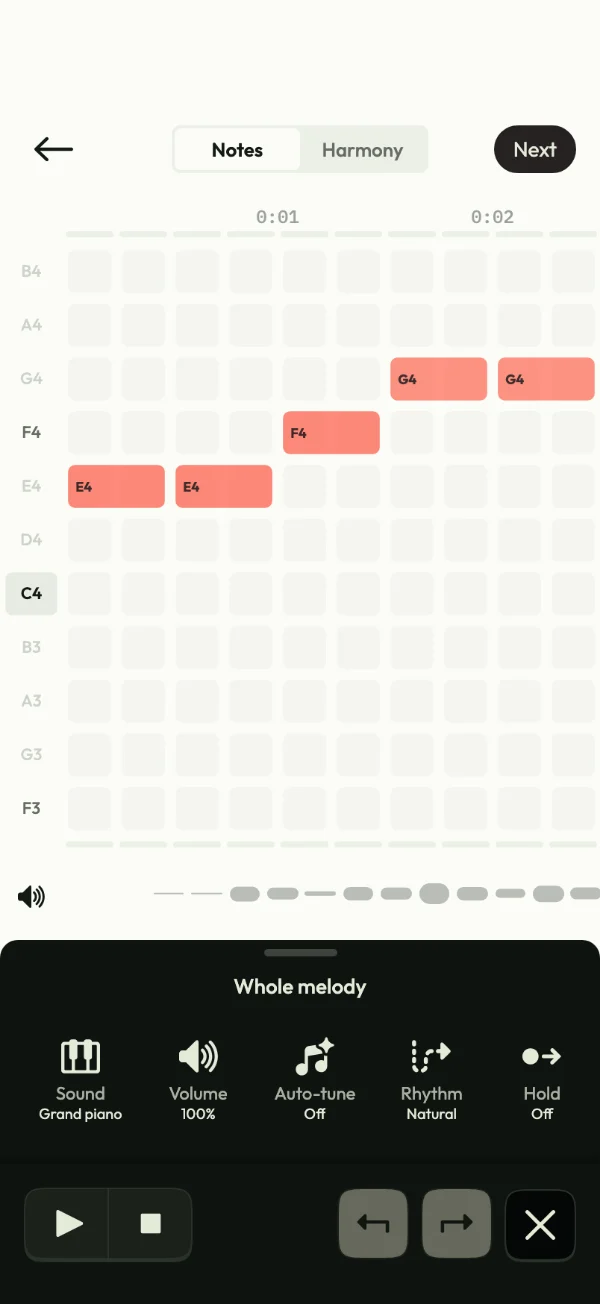
Your hum is now notes on a grid. Tap play to hear them. You can move, add or delete notes (how to fix the notes). When you’re happy, tap Next.
5Pick a genre
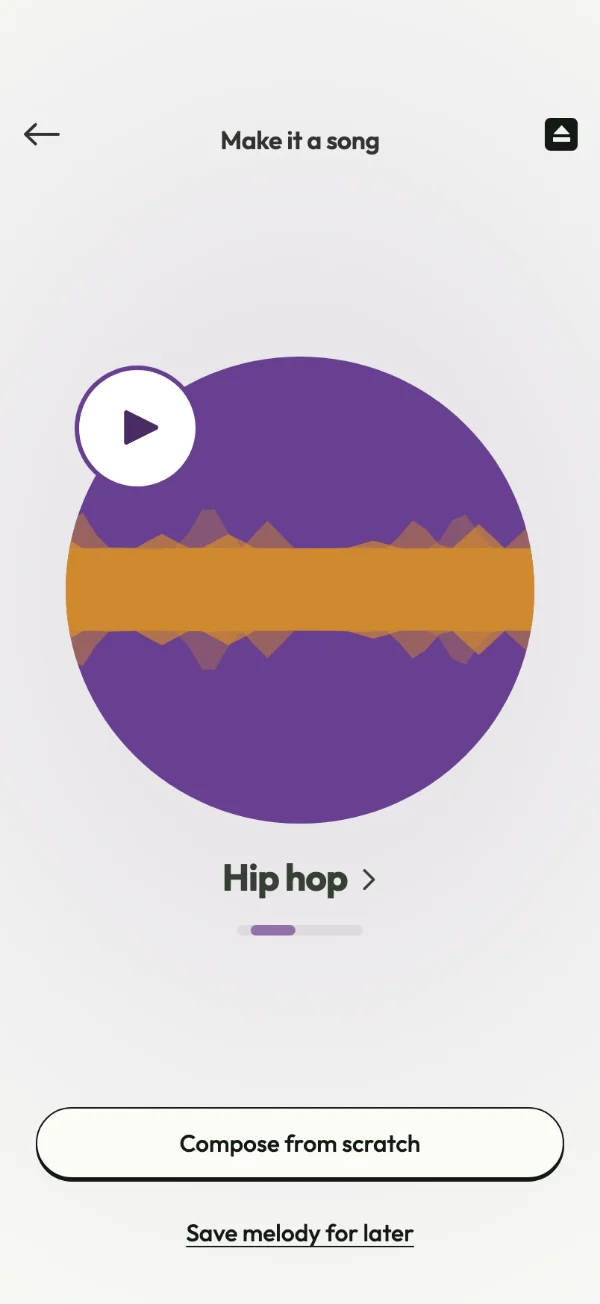
On Make it a song, swipe to hear it in each genre, then tap your favourite. The play button on the disc plays your melody in that genre.
6Listen to your song
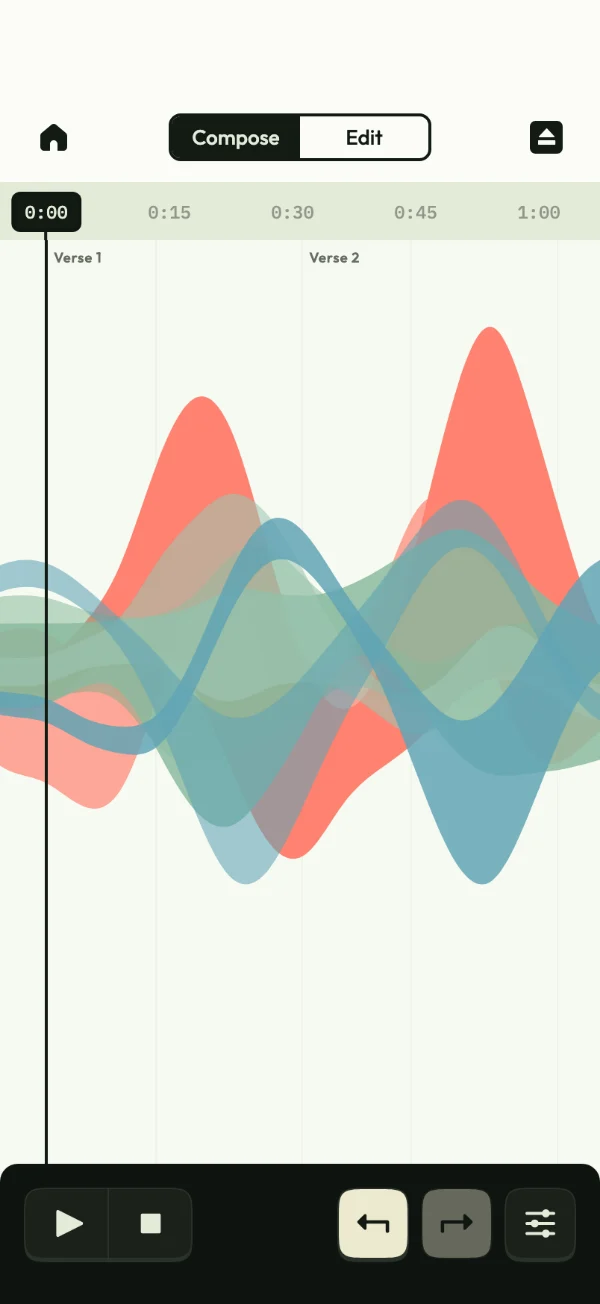
Humelodica builds the song around your melody, with a band playing under it. Tap play to hear it. Move, edit and add to your canvas to make it your own.
7Share it
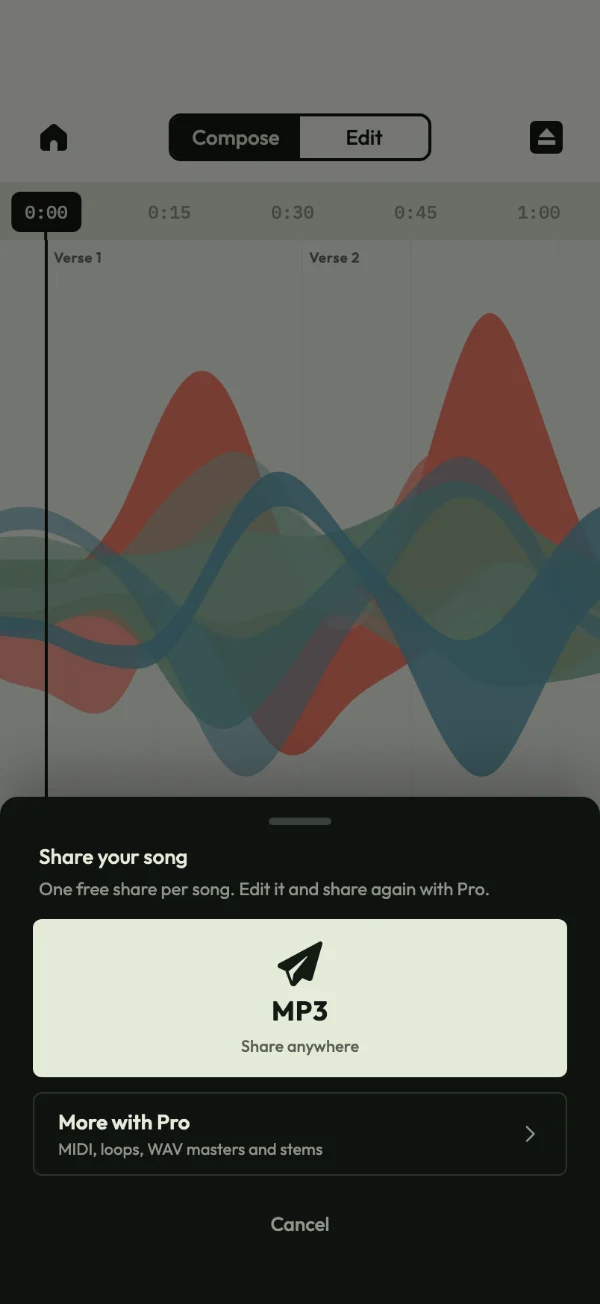
Tap Share at the top right, then MP3. Share it to Instagram, WhatsApp or Messages — or save the MP3.
Good to know
- No AI. Every note starts with you.
- Making music is always free. Without an account you can make one song on your device. A free account makes 5 songs, and each one shares once as an MP3.
- Humelodica is on the App Store for iPhone.